A family’s photos, videos, and documents can reach thousands of gigabytes after a few years. Many solve this by paying a monthly cloud fee, but that cost climbs over time and the data sits on someone else’s server.
A NAS is another option: place a small storage device right at home and turn it into a private cloud you fully control. It is not for everyone, but for the right needs it is both cheaper and far more reassuring.
What a NAS actually is
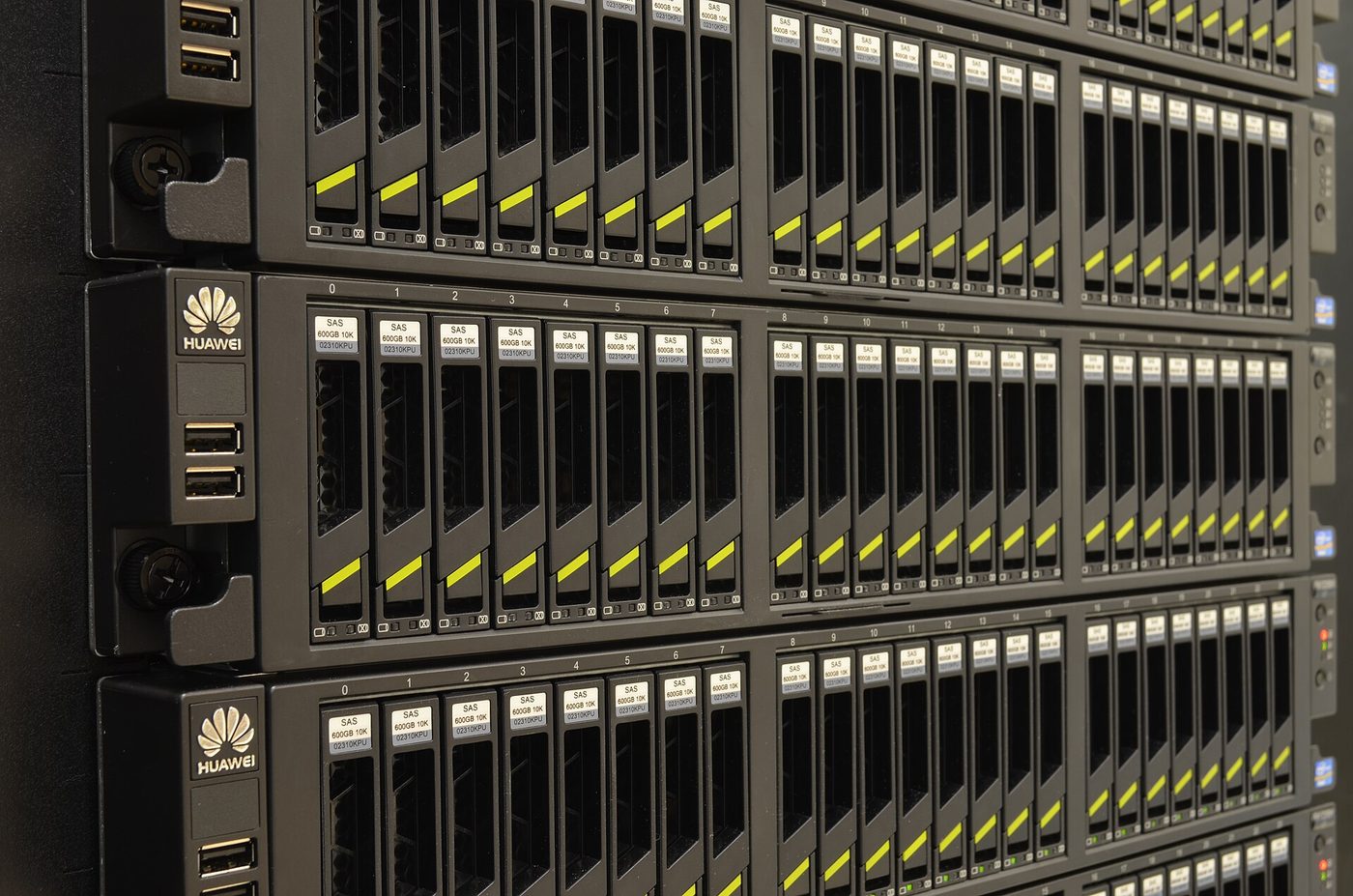
NAS stands for network attached storage. Picture it as a small box holding a few hard drives, plugged into your home router and always on. Every device in the house can access this shared data store over wifi.
Unlike an external drive usable by only one machine at a time, a NAS serves many people and devices at once. It can also allow remote access when you are out, working almost like your own cloud service.
Who it suits
A NAS is especially useful for families with lots of photos and videos wanting to store them centrally, for creatives needing space for large files, or for anyone wanting to escape cloud subscription fees that rise every year.
On the other hand, if you have only a few gigabytes of documents and find free cloud enough, a NAS may be overkill. It requires an upfront investment and some setup effort, so it is only worth it when you truly have a lot of data to manage long term.
Data safety through multiple drives
A big advantage of a multi-drive NAS is protection against data loss when one drive fails. By spreading data with redundancy, if one drive dies, you swap in a new one and the system rebuilds itself without losing anything.
But do not confuse this with backup. A NAS protects you from drive failure, not from a house fire, theft, or accidental deletion. So the rule still holds: pair the NAS with a copy elsewhere, following the three copies in two places principle.
Things to note before buying
Consider the number of drive bays, since it determines maximum capacity and redundancy. A two-bay device is a sensible starting point for a family. Drives are usually sold separately, so factor that cost into the budget.
Also check whether the device has easy-to-use apps, because software shapes the daily experience more than the hardware. Automatic photo sync, secure remote access, and smooth video playback are worth prioritizing over raw specs.
Weighing power use and maintenance
A NAS runs continuously, so it draws standby power and makes a little fan noise. This is not a big issue, but place it somewhere ventilated, and avoid the bedroom if you are sensitive to noise at night.
For maintenance, you occasionally need to update the software and keep an eye on drive health. A NAS is not a plug-and-forget device, but the effort is light compared with the peace of mind of knowing your data is in your own hands, dependent on no service.
A NAS does not replace the cloud for everyone, but for those with lots of data who want autonomy, it is a worthwhile investment. Building a private cloud at home sounds technical, but the reward is full control over the most precious thing in digital life: your own memories and work.