You search for a pair of shoes online, and a few days later ads for those shoes follow you everywhere. That feeling of being watched is not imagination. Behind every browsing session is a quiet network recording your habits to build a profile.
You cannot erase your traces online completely, but you can significantly reduce how much information is collected. Understanding how tracking works and a few simple tools is enough to reclaim some privacy without becoming an expert.
How you are tracked
The most common tracking tool is small pieces of code embedded in websites, usually from third parties specializing in advertising. When you visit many different sites carrying the same kind of code, they stitch the pieces together to build a picture of your interests and behavior.
More sophisticated, some techniques identify your device through a combination of traits like screen size, fonts, and browser settings. This is harder to block because it does not rely on something you can delete like cached data.
Why this is worth caring about
Many think they have nothing to hide, so it does not matter. But the issue is not hiding something shady; it is losing control over the portrait others build of you, which can affect the prices you see or the information pushed to you.
The more detailed the profile, the easier you are to target, not just by ads but sometimes by emotionally manipulative content. Protecting your privacy while browsing is not paranoia, but keeping a margin of freedom from being shaped by outside forces.
Choosing the right browser and settings
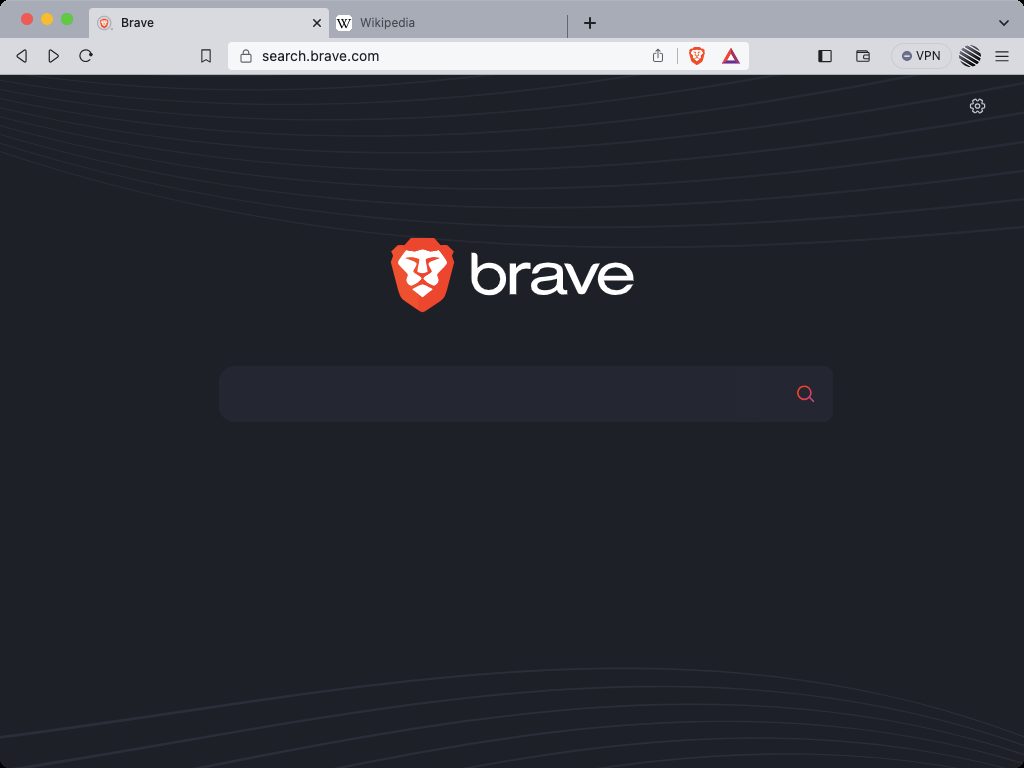
Some browsers are designed with privacy at the core, blocking many trackers by default from the start. Even mainstream browsers usually have enhanced protection settings that many people have never turned on.
Spend a few minutes in your browser’s privacy settings and turn on a higher level of tracking protection. This is a one-time task with long-term benefit, and it usually does not affect your daily browsing experience at all.
The role of ad and tracker blockers
Installing a reputable tracker-blocking extension is one of the most effective steps. It stops most advertising code from loading, both reducing tracking and making websites load faster and leaner.
Be careful to choose an extension from a trustworthy source, because a bad extension can itself become a tracking tool. There is no need to stack up many extensions; one or two good, well-maintained tools are enough for most users.
Small habits that make a big difference
Using private browsing mode when looking up sensitive things keeps the browser from saving that session’s history and temporary data. Occasionally clearing cached data also frustrates trackers that rely on it.
Consider using a privacy-focused search engine for sensitive queries, and limit staying logged into social media accounts while browsing other sites. These small habits add up to leaving significantly fewer traces without any extra effort.
Privacy while browsing is not all-or-nothing. You can hardly disappear completely, but with a few simple changes you sharply reduce the information quietly flowing to others. That is how you reclaim a bit of control in a digital world designed to watch you.