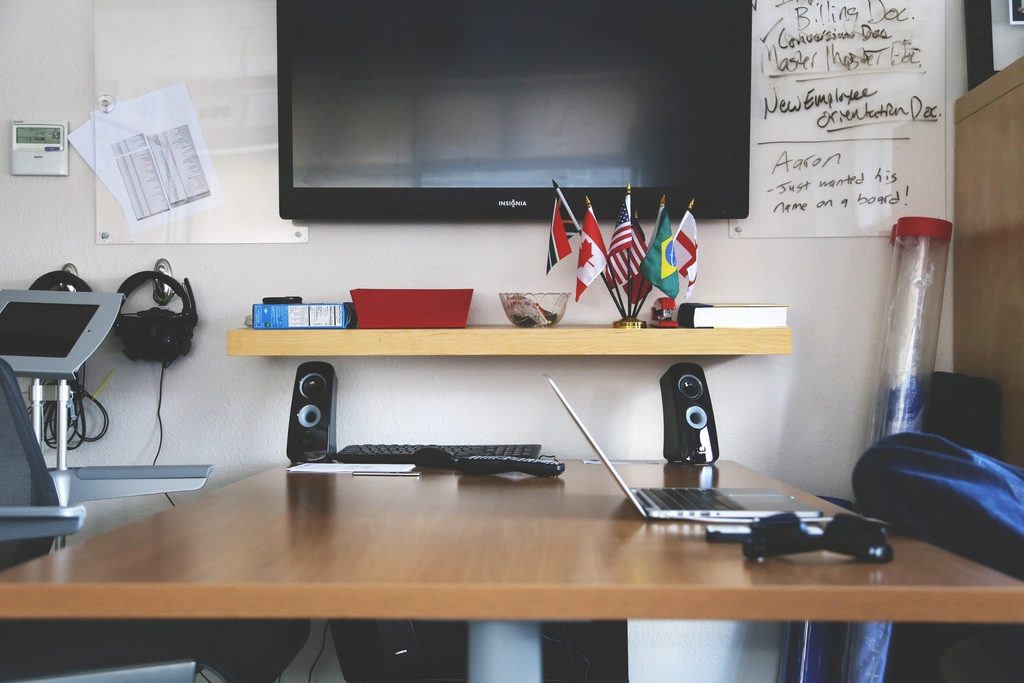
Working and studying through a screen has become ordinary. But there is a paradox: many people put great effort into preparing their content yet appear in a dark frame, with a voice that echoes or crackles and is hard to hear. The person across from you remembers you not only by what you say, but also by how you appear.
The good news is you do not need expensive equipment to improve this. Most of the difference comes from small, nearly free adjustments to lighting, sound and arrangement. This article suggests how to set up a tidy meeting corner so you are seen and heard as clearly as possible.
Lighting determines most of your image quality
The factor that most affects how you look on screen is not the webcam, but the lighting. An ordinary camera in good light still gives a better picture than a good camera in a dark room. The simple rule is to keep the light source in front of your face, not behind your back.
If you sit with your back to a window, the camera will automatically darken your face to compensate for the bright area behind you. Turn your desk so the window light falls on your face, or place a desk lamp casting a gentle glow toward the front. Soft, even light always looks better than a harsh bulb shining straight at you.
Sound matters even more than image
People can forgive a slightly blurry frame, but it is very hard to endure a voice that echoes, crackles or is mixed with noise. The built-in microphone on a computer usually picks up the room’s reverberation and every surrounding sound, making you sound as if you are inside a box.
The easiest way to improve this is to use a headset with a microphone, even the kind that comes with a phone. A microphone close to your mouth captures your voice clearly and separates it from the noise. If you want to invest a little more, a small desktop microphone will raise the quality noticeably without costing much.
Place the camera at eye level
Many people set their laptop on the desk and look down at the camera, creating an upward angle that is not very flattering and makes you look as if you are hunched over. Just raise the machine with a stack of books or a stand, so the camera is level with or slightly above your eyes, and the image becomes far more natural.
When the camera is at the right height, your gaze also points almost straight at the person across from you, creating a sense of connection and confidence. Build the habit of looking into the lens when you say something important, instead of looking at the other person’s face on the screen.
Tidy up the background behind you
The background behind your back tells a story whether you want it to or not. A messy wall or a pile of unsorted things will pull the viewer’s attention away from what you are saying. You do not need an elaborate backdrop, just a clean, simple stretch of background.
If you have no truly tidy corner, choose the spot with the fewest distracting details, or use the background blur feature that many meeting apps already include. Just note that the blur feature sometimes nibbles into the edges of your hair and shoulders, so a genuinely tidy background is always the most reliable choice.
Check everything before joining the meeting
Nothing loses points like spending the first five minutes of a meeting fumbling with a microphone that will not turn on or a camera that will not show. Make a habit of opening the meeting app’s settings a few minutes early, checking how your image and sound come across, and selecting the right input device.
Do not forget the non-technical things either: turn off notifications that might pop up when you share your screen, lock the room door if possible to avoid interruptions, and keep a glass of water beside you. This small preparation lets you enter the meeting with a proactive and calm mindset.
A neat online meeting setup does not show how much expensive equipment you own, but rather that you respect the person across from you and respect yourself. With just the right direction of light, clean sound and a tidy background, you come across far more clearly and credibly. Try fine-tuning before your next meeting and feel the difference.