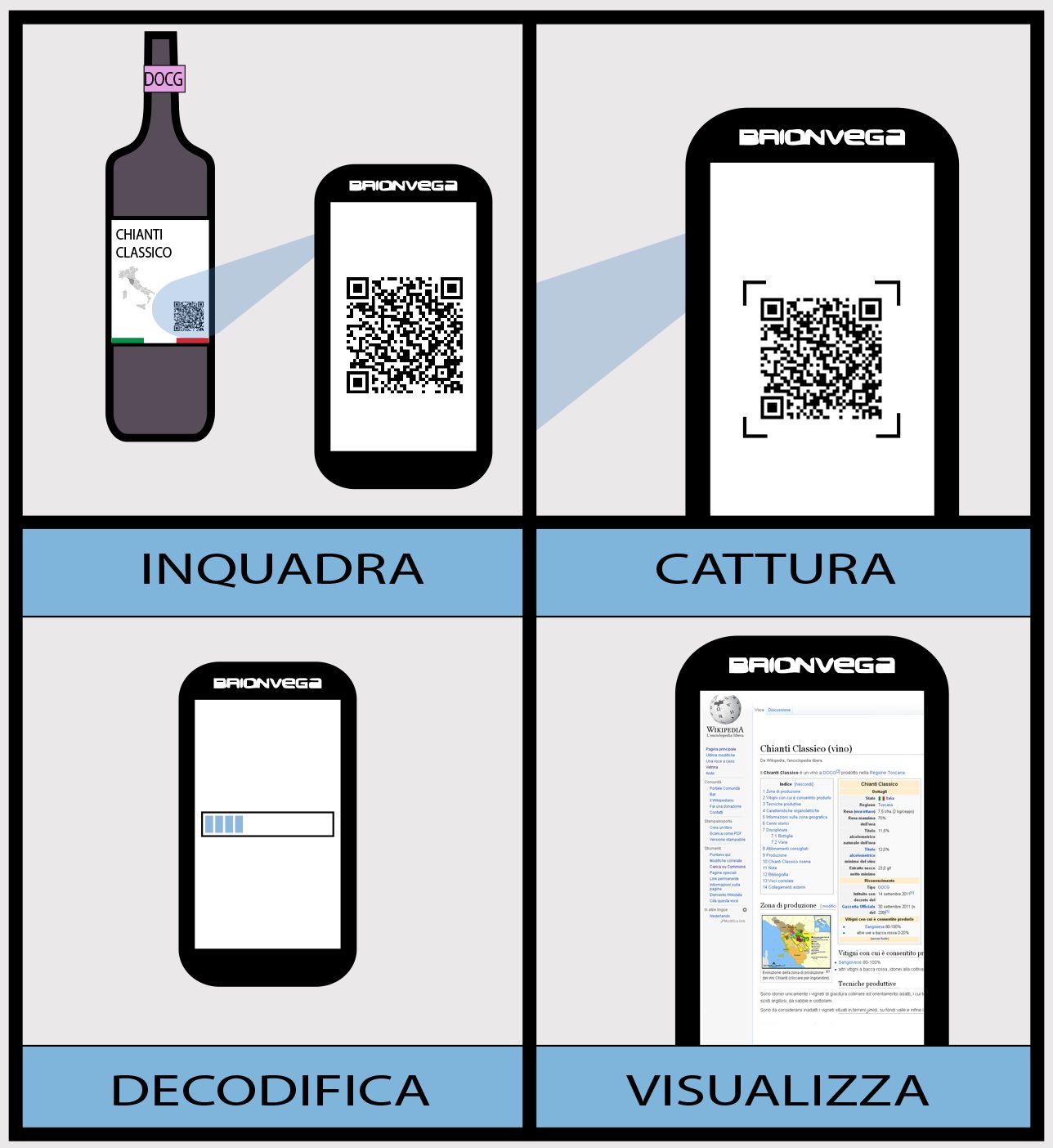
In just a few years, QR codes have crept into every corner of daily life. You scan them to see a menu, to pay, to connect to wifi, to grab a discount. That little black-and-white square is so convenient that we scan almost by reflex, rarely pausing to think.
But that unconscious trust is exactly the weak point. Scammers know you cannot read the contents of a QR code with your bare eyes, so they use it as a doorway leading to fraudulent pages. Understanding how it gets exploited helps you keep the convenience without trading away your safety.
Why QR Codes Are So Easy to Exploit
What makes a QR code more dangerous than an ordinary link is that you cannot see where it leads before you scan it. With a link written out in text, you can more or less read the domain name and stay wary if something looks off. The square, on the other hand, stays completely silent until your phone has already opened it.
Scammers take advantage of that blind spot. A QR code can point to a fake banking page, to a place that quietly downloads malware, or to a form that fishes for your personal information. Because the code itself is just an image, anyone can print it and stick it up anywhere.
The Trick of Pasting a Fake Code Over the Real One
A common tactic is to print a fake QR code and stick it over the real one in a public place, such as on a parking payment post, a vending machine, or a promotional flyer. You scan as usual, thinking you are paying the right place, but in fact the money or information is flowing into the scammer’s pocket.
Before scanning a code posted in public, look closely for signs it has been pasted over: a slip of paper stuck on crookedly, fresh glue, a square that does not match the surrounding design. If something seems suspicious, it is best to enter the information manually or ask a staff member on site.
Always Check the Link Before Opening It
Most camera apps today show you the web address before actually opening it. Do not skip this step. Read the domain name carefully and watch for anything unusual, like misspellings, strange characters slipped in, or a domain ending that does not match the brand you know.
If a QR code asks you to log into an account, enter a password, or fill in card details right after scanning, stop. A legitimate page rarely pushes you straight to a password field from a single scan. When in doubt, open the app yourself or type in the official address instead of going through the code.
Be Careful With QR Codes Sent by Text and Email
Lately scammers have started slipping QR codes into emails or text messages, posing as a bank, a delivery service, or some agency, along with an urgent push to scan right away to handle a pressing problem. This method helps them slip past many filters that are only used to blocking text-based links.
The simple rule is not to let urgency steer you. No reputable organization forces you to scan a code in a strange email to avoid having your account locked. When you receive a request like that, contact them directly through a phone number or official page you find yourself, rather than following the path they lay out.
Habits That Keep You at Ease
Use your own camera app or existing banking app instead of downloading unfamiliar scanner apps, since many of them ask for far too many permissions and may be the very danger you are trying to avoid. Keeping your phone updated also helps seal the gaps that malware likes to exploit.
For money transactions, make it a habit to double-check the recipient name that appears after scanning, confirming it really is the store you are buying from. Those few seconds of slowing down are often the line between a smooth payment and an expensive lesson.
QR codes are still a wonderful tool and you do not need to fear them. All that needs to change is dropping the habit of scanning by reflex, replacing it with a short pause to look, read, and confirm. That bit of caution costs almost no time, but it spares you a great deal of trouble.