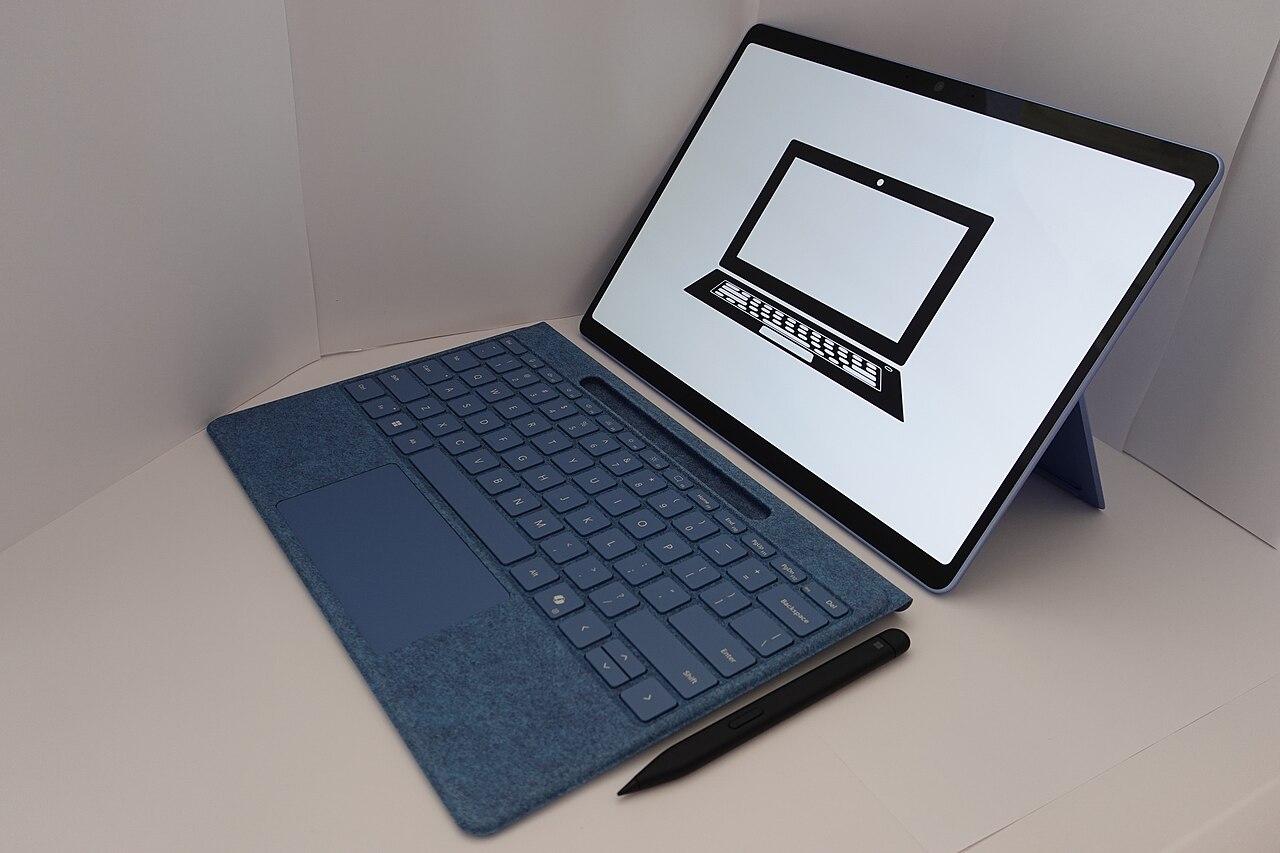
Tablets are often bought with high hopes, then gradually cast aside once people realize they only use them to watch videos and browse the web, things a phone can do too. That device with such great potential becomes an idle object.
In truth, the tablet sits in a very sweet spot: a bigger screen than a phone, lighter and more compact than a laptop, and if you know how to use it, it can become a powerful tool for study, reading, note-taking, and creating. The issue is simply using it the right way.
Define a distinct role for the tablet
A tablet delivers the most value when you give it a clear role rather than letting it compete faintly with your phone. For example, dedicate it to reading books and documents, or make it your note-taking and drawing device, or a second screen for online meetings and classes.
When the tablet has a main job, you will reach for it with purpose rather than picking it up and putting it down again because you don’t know what to do with it. This very specialization is what makes it useful instead of redundant.
Make the most of the large screen for reading and learning
The tablet’s wide screen is a big advantage for reading. Reading e-books, study materials, or news on a tablet is far more comfortable than on a phone’s small, cramped screen, while being lighter and more compact than carrying a whole stack of books.
For students, it is also a wonderful tool for watching lectures, doing assignments, and looking things up side by side. You can have a document open while taking notes, making use of the screen space a phone cannot provide.
Add a stylus and keyboard when needed
The true power of a tablet is unlocked when you add the right accessories. A stylus turns it into a notebook for jotting notes, sketching, and signing documents, with a feel much like writing on paper.
If you need to type a lot, a detachable keyboard elevates the tablet into a lightweight work device, enough for writing and answering email on the go. Not everyone needs these accessories, but they completely change how you use the device.
Rearrange apps by purpose
One reason a tablet turns into an entertainment machine is a home screen packed with social media apps and games. If you want to use it for something useful, rearrange it: put learning, reading, and note-taking apps in the most visible spots.
Push distracting apps into a hard-to-reach corner or remove them from the tablet entirely, saving them for your phone. When you open the device and see nothing but useful tools, you naturally use it for useful things.
Use it for the whole family in a smart way
A tablet is also an ideal device to share at home, for instance as a cooking screen displaying recipes in the kitchen, a learning device for children with age-appropriate apps, or a photo frame and smart home control hub.
For children, you can set up a separate account that limits content and time, turning the tablet into a safe learning tool. The same device can serve many members if it is arranged with intention.
Care for it so it lasts
Because a tablet is usually not used continuously like a phone, how you store it when idle greatly affects its lifespan. Don’t let the battery drain completely and then leave it for months, because a battery left empty too long easily degrades or fails. If storing it for a while, charge it to about half.
A case and screen protector also help the device withstand the knocks of being carried around or used by young children. Keep it away from heat and moisture, update the software regularly, and your tablet will serve you well for many years instead of quickly deteriorating.
A tablet does not deserve to sit gathering dust in a drawer. Give it a clear role, rearrange its apps, and add accessories if needed. With a little intention, this device will become a useful companion for your daily learning, work, and reading.